Measurement overlay
Compare colour-coded S11, S21, S12 or S22 traces across frequency.
Local RF documentation
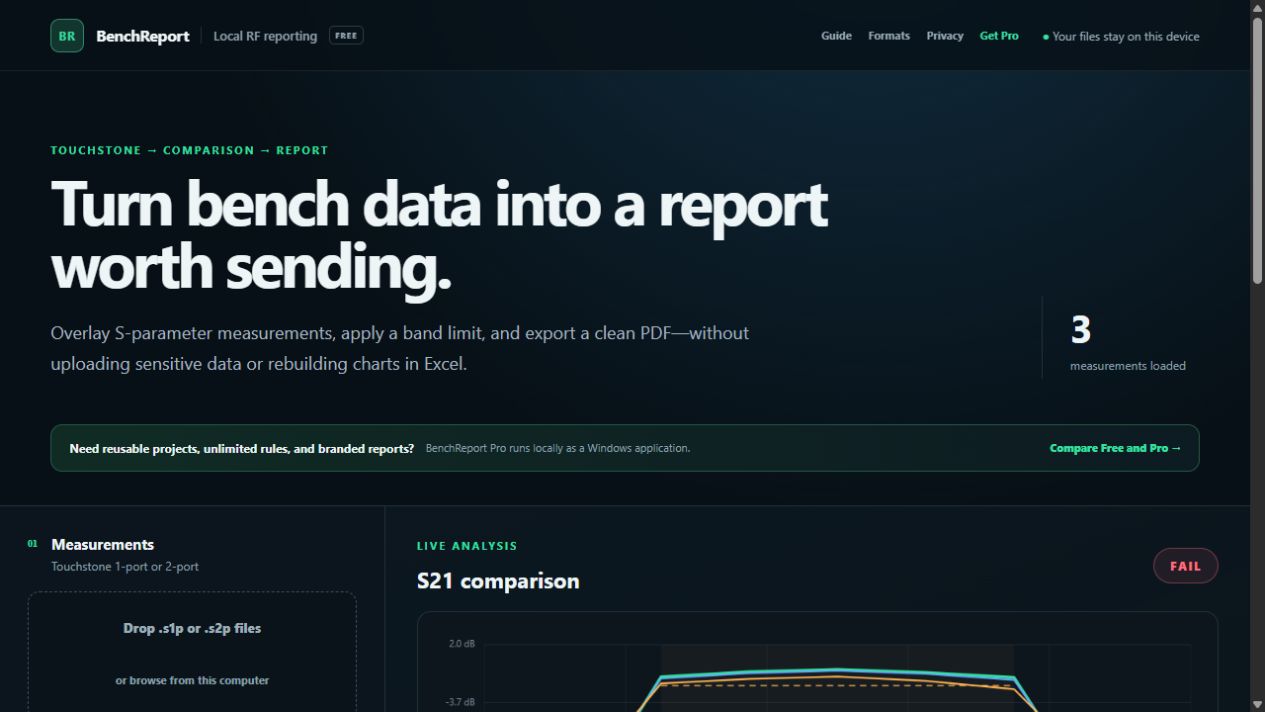
BenchReport turns S1P and S2P Touchstone measurements into a structured report with an S-parameter plot, calculated statistics, worst-case frequencies and rule-by-rule pass/fail results.
No account and no measurement upload. Choose “Save as PDF” in the print dialog.
Compare colour-coded S11, S21, S12 or S22 traces across frequency.
Record the requirement, worst measured value, worst frequency and pass/fail result.
Include DUT, engineer, notes and generation date; Pro adds full project metadata and branding.
Save the required measurement channels from the VNA as S1P or S2P Touchstone files.
Load the files locally, choose a trace and enter the applicable frequency-band limit.
Review every result, add test context, then print the structured report to PDF.
For a passband rule requiring S21 to remain at least −2 dB from 900 MHz to 1.1 GHz, the report records evidence like this:
| Measurement | Requirement | Worst value / frequency | Result |
|---|---|---|---|
| Golden filter | S21 ≥ −2 dB | −1.20 dB at 1.10 GHz | Pass |
| Unit 042 | S21 ≥ −2 dB | −2.35 dB at 1.10 GHz | Fail |
The free browser edition supports three measurements, one acceptance rule and a clean printable report. BenchReport Pro for Windows adds unlimited measurements and rules, reusable acceptance templates, saved .brp projects, company logo and metadata, and branded multi-rule reports.
BenchReport analyses the samples contained in supplied files. It does not perform VNA calibration, uncertainty analysis, interpolation at limit boundaries, de-embedding, time-domain transformation or instrument control. A competent engineer must review results against the source data and approved process.
No. Export S1P or S2P files from the instrument, then open those files in BenchReport.
No. Parsing, plotting and reporting run locally in the browser. Anonymous website analytics contain no measurement contents.
S1P supplies S11. A supported S2P file can supply S11, S21, S12 and S22.
BenchReport creates analysis documentation, not an approved test process. Your organisation remains responsible for calibration, uncertainty and engineering approval.